
Review and merge the pull request
Review A11yRemedy's accessibility pull request, read the preview check results, merge it, and see what happens after the merge.
Follow the pull request
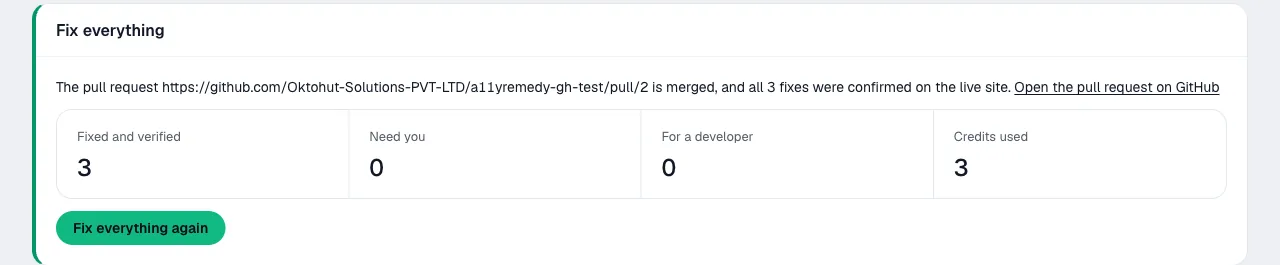
The run’s note in A11yRemedy follows the pull request: draft, being checked, ready for review, no fix passed, build failed, merged or closed. Open the pull request on GitHub takes you there.
Review it
- Each group of fixes is its own commit, with a clear message.
- A comment lists which groups passed the preview check, and which were taken out and why.
- Review the change like any other pull request. You can push your own changes to the branch; only the commit A11yRemedy pushed is checked on the preview.
Merge it
Merge when you’re happy. After Vercel deploys the merge to production, A11yRemedy re-checks the live pages. Fixes the re-check confirms are marked fixed and charged in fix credits.
Closing the pull request without merging applies and charges nothing.
If the build fails
The note says build failed. Open the preview’s build log in Vercel; fix the cause on the branch, or close the pull request.
Last updated